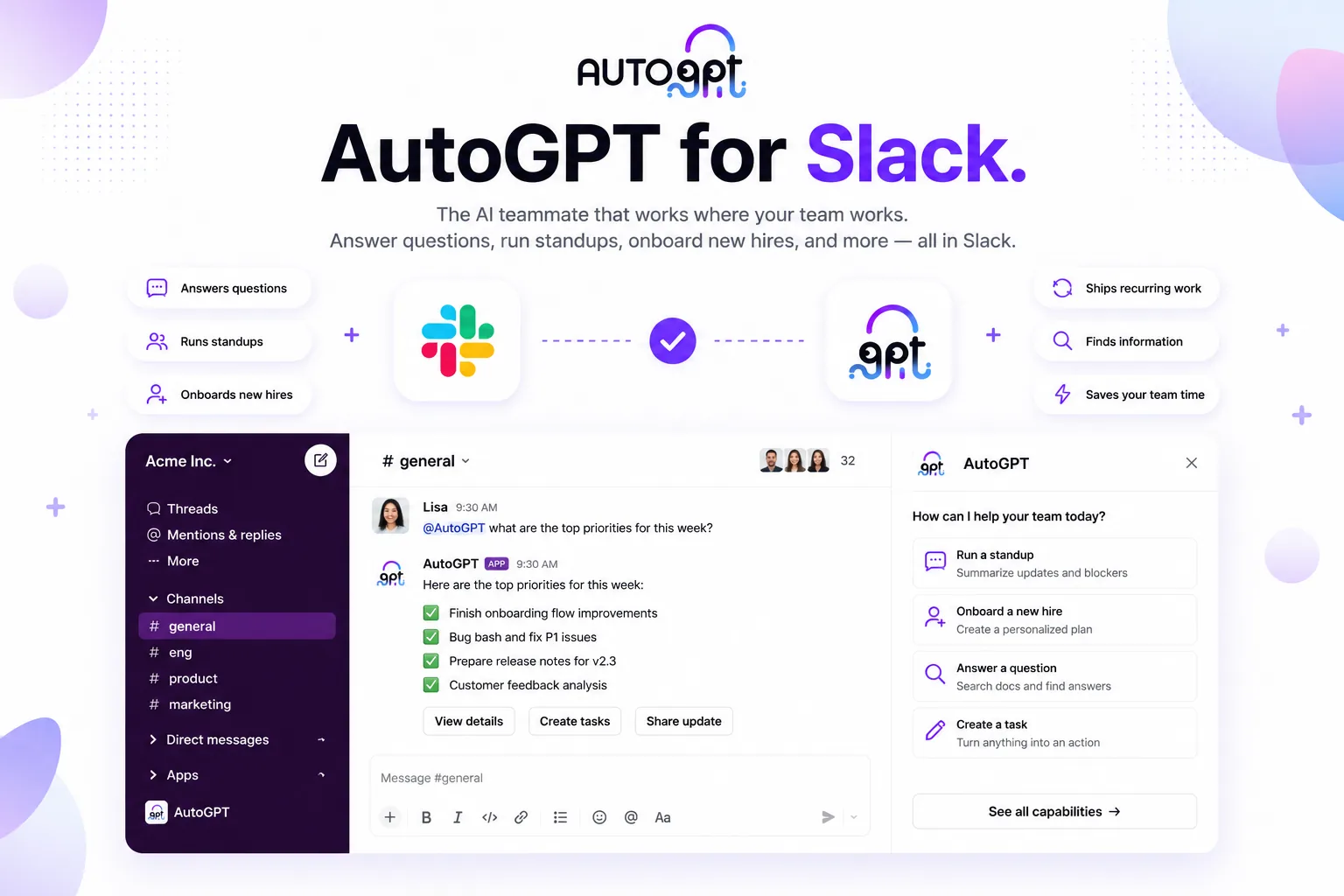
Every channel gets a teammate. Not a chatbot.
@AutoGPT is built on the AutoGPT platform, so your Slack virtual assistant isn’t a bot bolted onto a channel — it’s a full AI workplace assistant with a plan, tools, and memory. One AI employee assistant serves the whole workspace: an AI assistant for teams in engineering, ops, support, and HR at once.
Your AI onboarding assistant.
Onboarding is where an AI chatbot for Slack earns its keep fastest: new teammates have a hundred small questions and nobody wants to be the person asking them. Invite @AutoGPT to #new-hires and it becomes the AI intranet assistant every company wishes it had.
- Answers from your connected docs and tools
- Walks through setup and nudges the checklist
- Checks in on day one, week one, month one
A Slack standup bot that runs itself.
Give @AutoGPT the ritual once. Every morning it collects updates, follows up with anyone quiet, and posts a digest with blockers on top — then opens the thread for follow-ups. Recurring rituals become standing jobs your AI team assistant owns.
- Same pattern for retros, metrics, and release notes
- An AI conversation summarizer for long threads
- A Slack translation bot for global teams
What can an AI Slack bot actually do?
Every card is a real job teams hand @AutoGPT on day one. A Slack helpdesk bot here, a Slack knowledge base bot there — pick one, tag the bot, and it’s running by lunch.
Installed and working in minutes.
Admins stay in control: the bot only reads channels it’s invited to, only auto-replies in threads it creates, every run is recorded on the platform, and you can unlink any time from Settings → Bots.
Questions, answered.
What is @AutoGPT for Slack?+
It’s the AutoGPT agent delivered as a Slack app. Add it to your workspace and anyone can tag @AutoGPT in a channel to hand off research, monitoring, drafting, and recurring work. It plans the task, runs it with the tools it’s connected to, and replies in a thread with the result.
How is this different from other Slack AI assistants?+
Most Slack AI assistants answer questions and draft text. @AutoGPT is an AI agent for Slack: it carries whole jobs to completion — running a standup, watching a channel, producing a weekly report — using the full AutoGPT platform, 45+ integrations, and hundreds of AI models.
Is there a free way to try it?+
AutoGPT plans include usage to put the bot to work from day one, and the platform is open source if you’d rather self-host. Install the app, run /setup, and you’re working in minutes.
What should we automate first?+
Teams usually start with one recurring job: an AI onboarding assistant for new hires, a standup bot, a helpdesk answerer, or a weekly metrics digest. Pick one channel, give it the job, and expand from there.
Is my data safe?+
The bot only reads the channels you invite it to, only auto-replies in threads it creates, and every run is recorded on the AutoGPT platform where admins can review it. Unlink a workspace any time from Settings → Bots.
Does it work outside Slack?+
Yes — the same @AutoGPT bot works in Discord, and the underlying agents run on the AutoGPT platform on schedules and triggers even when no one’s in chat.
Put an AI agent in your Slack.
Install @AutoGPT and hand off your first job today. It works in Discord, too.
Add to Slack